Phone numbers — numbers from other telecom operators added to KOMPaaS VPBX.
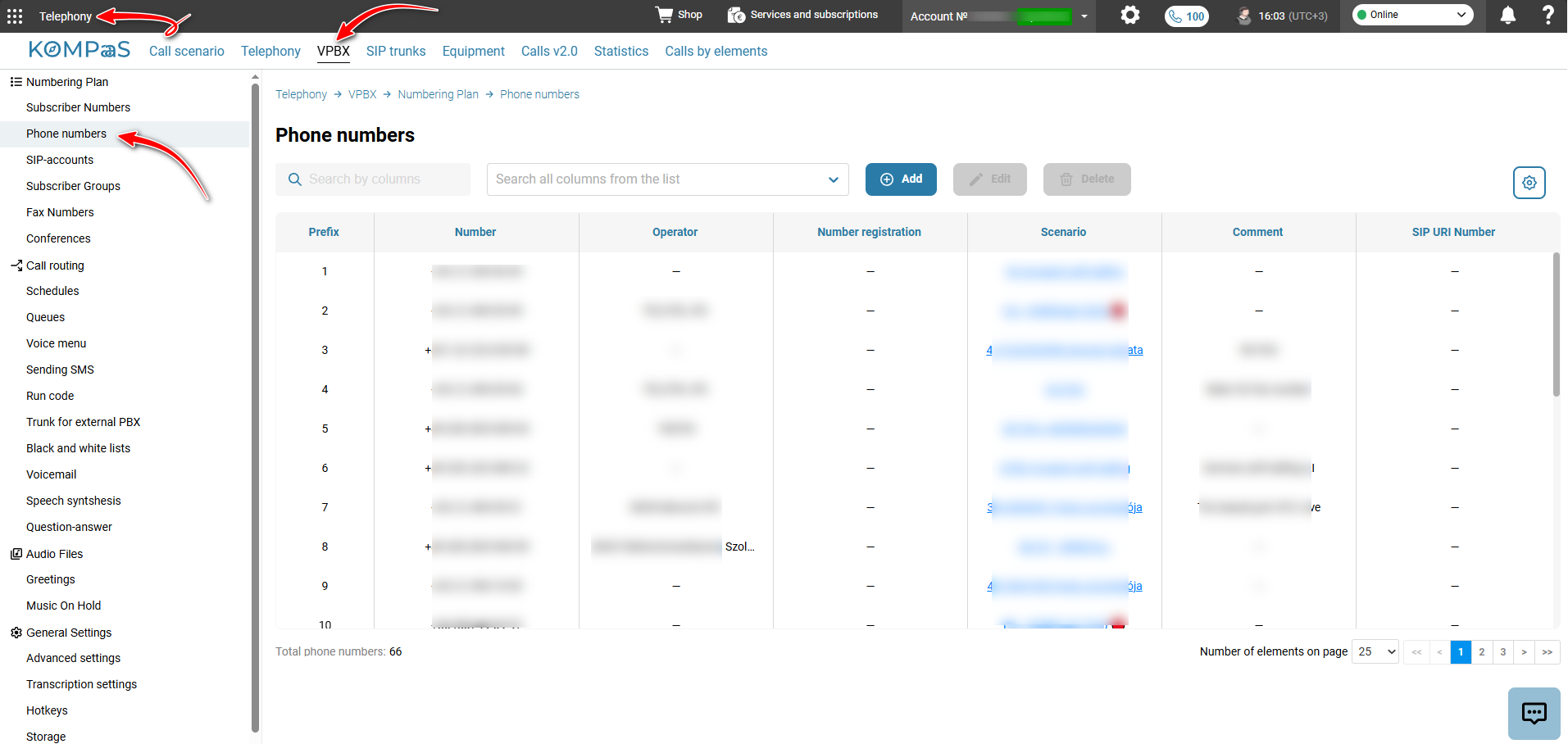
In ’Telephony’ → ’VPBX’ tab → ’Numbering Plan’ in the left-hand menu → 'Phone numbers', you can add phone numbers and manage their routing.
See 'Configuring outbound routing' and 'Configuring inbound routing'.
Also see 'CallBack' and 'How to set up CallBack'.
Was this article helpful?
That’s Great!
Thank you for your feedback
Sorry! We couldn't be helpful
Thank you for your feedback
Feedback sent
We appreciate your effort and will try to fix the article