The 'Execute code' function can execute code from preconfigured templates or run custom JavaScript code to perform various operations using any global variables. To create custom templates for code execution, contact technical support by phone at +43 1 412 00 99 or by email at support@kompaas.tech.
As a result of script execution, a new variable is declared in the block, which can be used in subsequent stages of the call. For example, in an auto repair shop use case, this could be a variable containing information about which car spare part the customer requested. The element queries the database and informs the customer whether the part is available and provides the address where it can be obtained.
For more information, see: 'Execute code element'.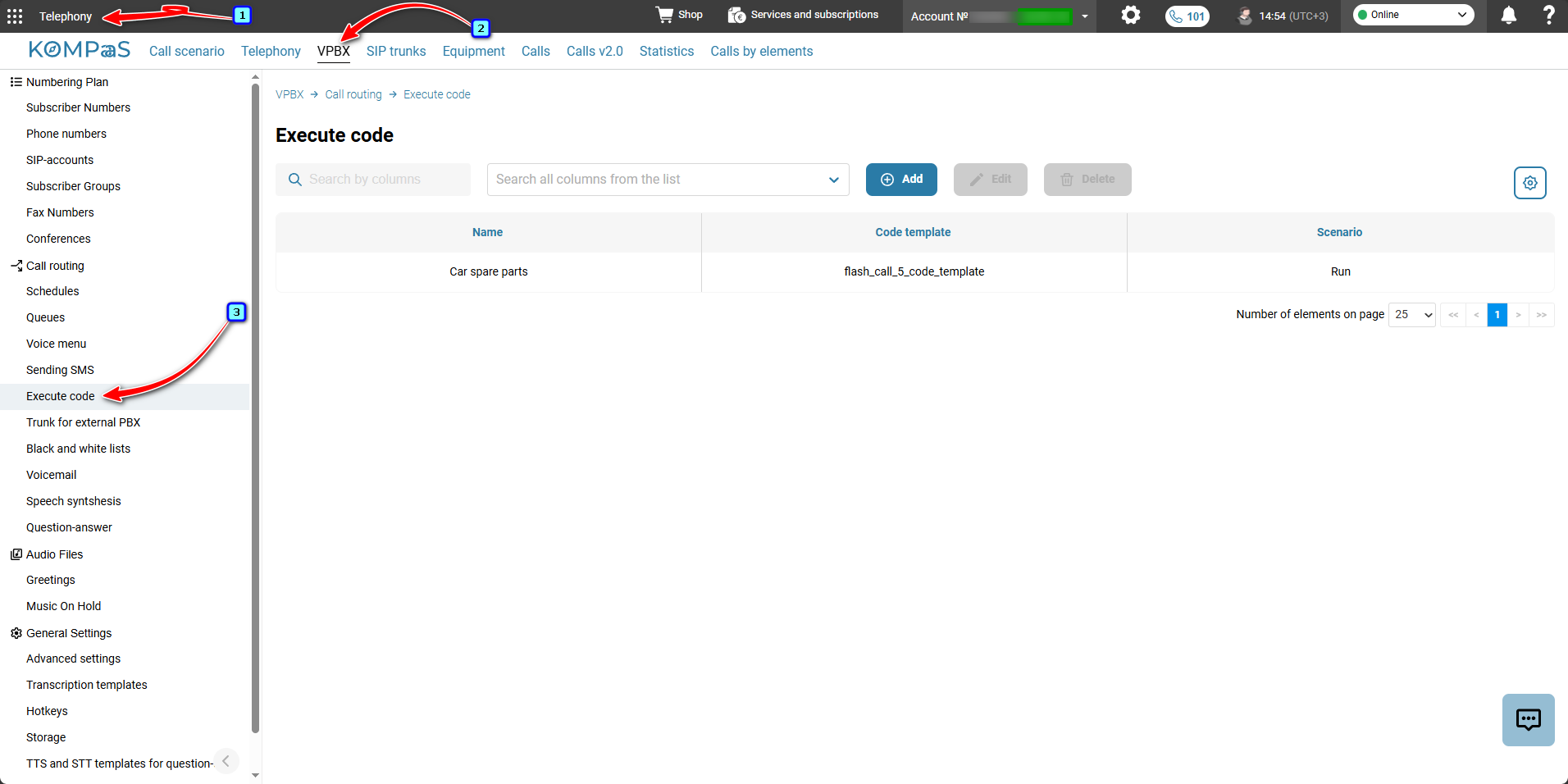
Also see:
Call scenarios
Call Scenario Elements
Was this article helpful?
That’s Great!
Thank you for your feedback
Sorry! We couldn't be helpful
Thank you for your feedback
Feedback sent
We appreciate your effort and will try to fix the article