The 'Conference' element can be added to a call scenario to allow multiple participants (internal or external) to join the same call.
| ✅ Note: | For subscribers whose numbers are not part of the virtual PBX to participate in the conference, add the conference to the call scenario and correctly configure call routing for third-party subscribers. For more information, see 'How to grant access to a conference'. |
|---|
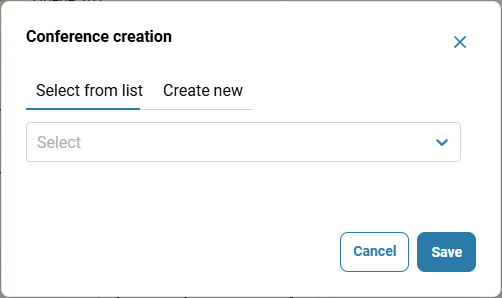
To add the 'Conferences' element to the scenario, click the three-dot button next to the element.

Select a conference from the list and click the 'Save' button.
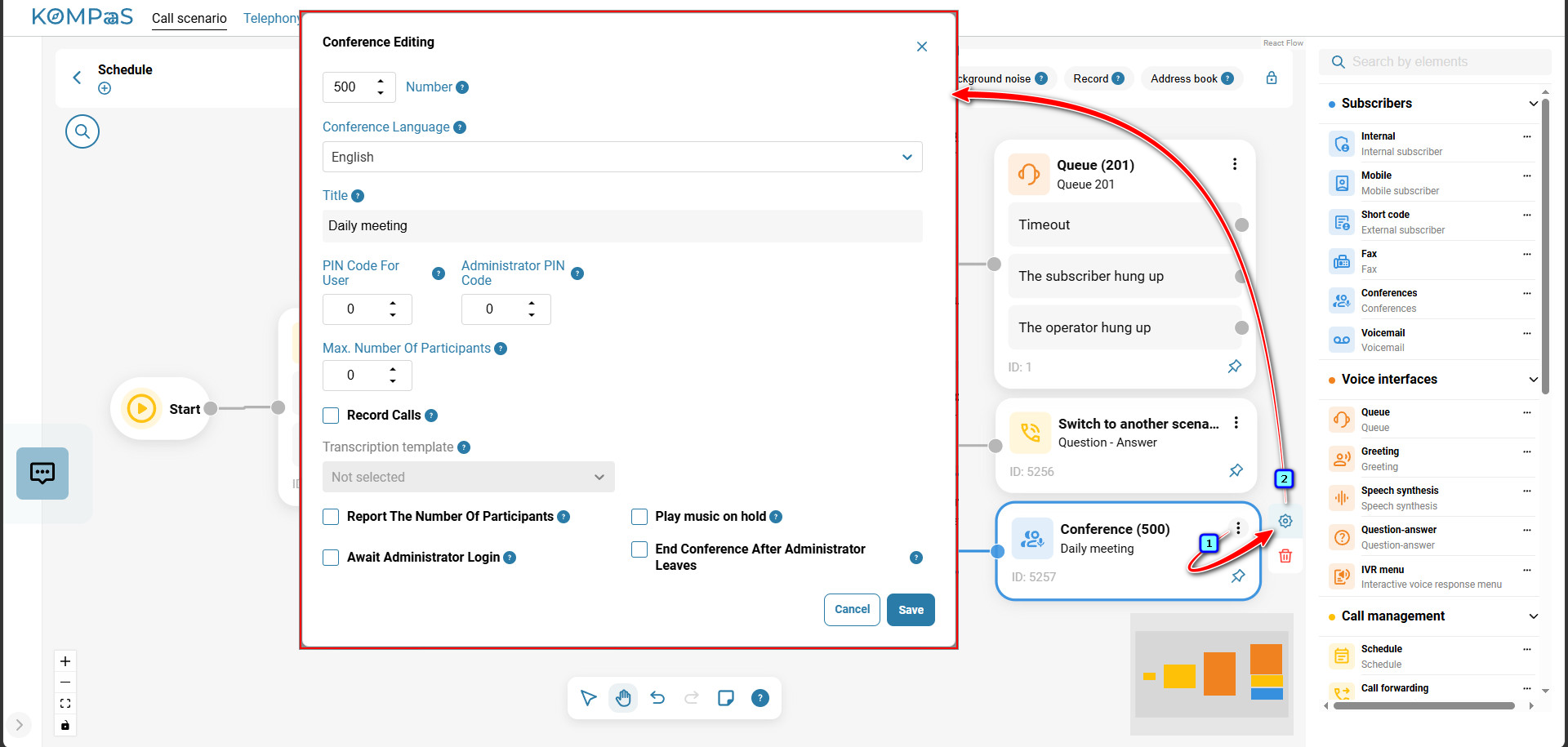
To edit the element, click the three-dot icon in the top-right corner of the element, then click the gear icon.
Also see:
Was this article helpful?
That’s Great!
Thank you for your feedback
Sorry! We couldn't be helpful
Thank you for your feedback
Feedback sent
We appreciate your effort and will try to fix the article