HTTP request is used to send requests to other web services or APIs during call processing. This allows you to integrate the PBX with other applications to automate processes and extend functionality, for example, by saving call records in a CRM or sending notifications to other systems.
Using 'HTTP request', we retrieve a variable containing the extension number and assign this variable in the 'Call subscriber API' block.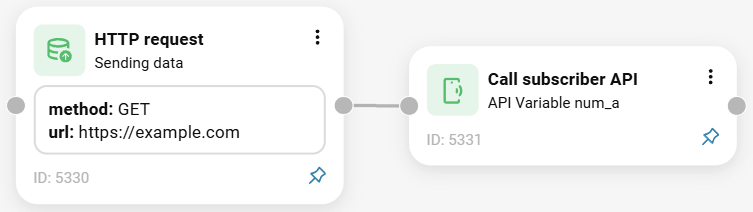
Call flow:
The call reaches the 'HTTP request' element. The customer configures it to send a POST request, for example, specifies the URL of their CRM system, and passes the system variable {{num_a}} in the Body.
The response contains a variable, for example, intNumber, and the extension number. The variable can be named as desired, provided that its name matches the one used in the second block.
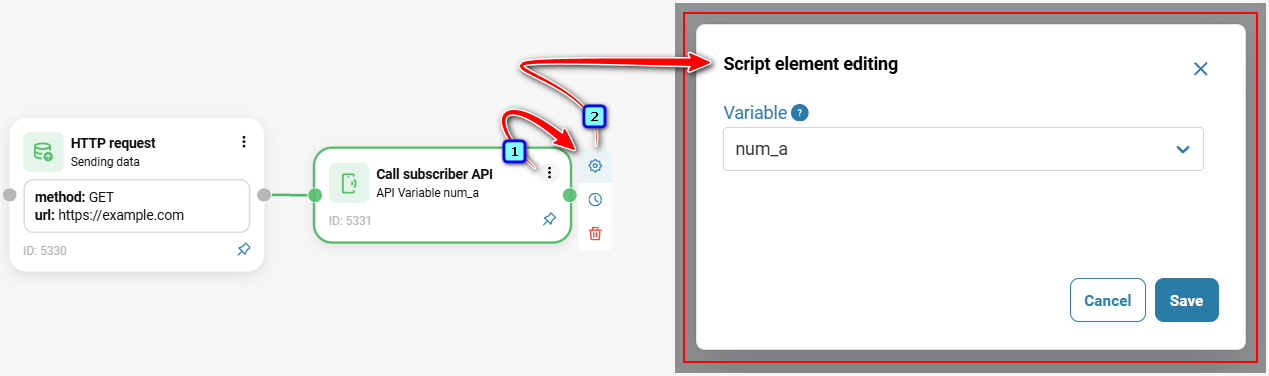
To add the 'HTTP request' element to a call scenario:
Click the three-dot icon or drag the element onto the diagram by holding down the left mouse button.
Fill in the fields and click the 'Save' button.
To edit the element, click the gear icon.
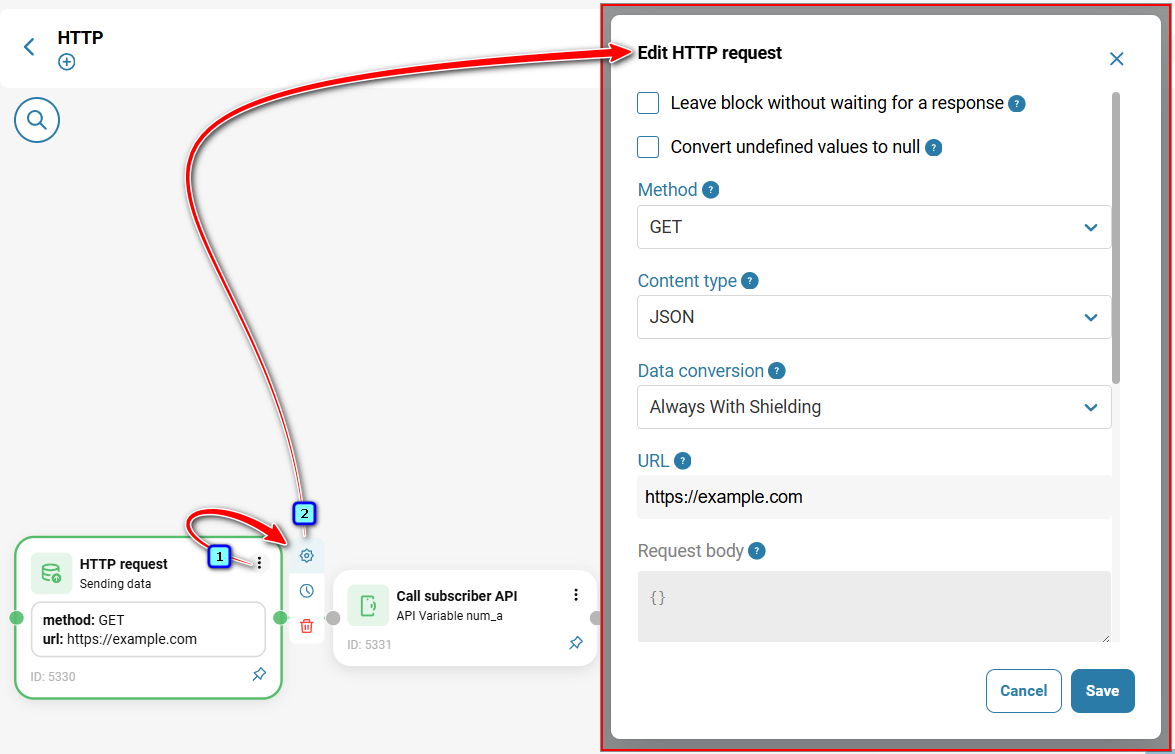
Also see:
Was this article helpful?
That’s Great!
Thank you for your feedback
Sorry! We couldn't be helpful
Thank you for your feedback
Feedback sent
We appreciate your effort and will try to fix the article