The 'Integration event' element in a Virtual PBX call scenario triggers the emitIntegrationEventDescription event, which sends variables from the VPBX (Virtual Private Branch Exchange) scenario. This event is used to transfer data collected during a call to other systems or services for further processing.
For example, this can be useful when integrating with CRM systems that need to receive call information to automatically update customer data.
Drag the element onto the call scenario flowchart by holding down the left mouse button.

Connect the element to other elements in the scenario.
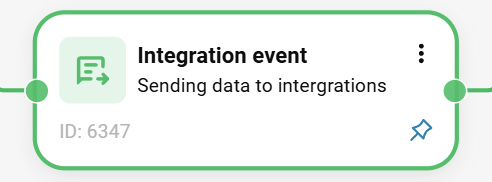
Save the scenario.
To view the variables, go to 'Integrations' → 'Monitoring' tab.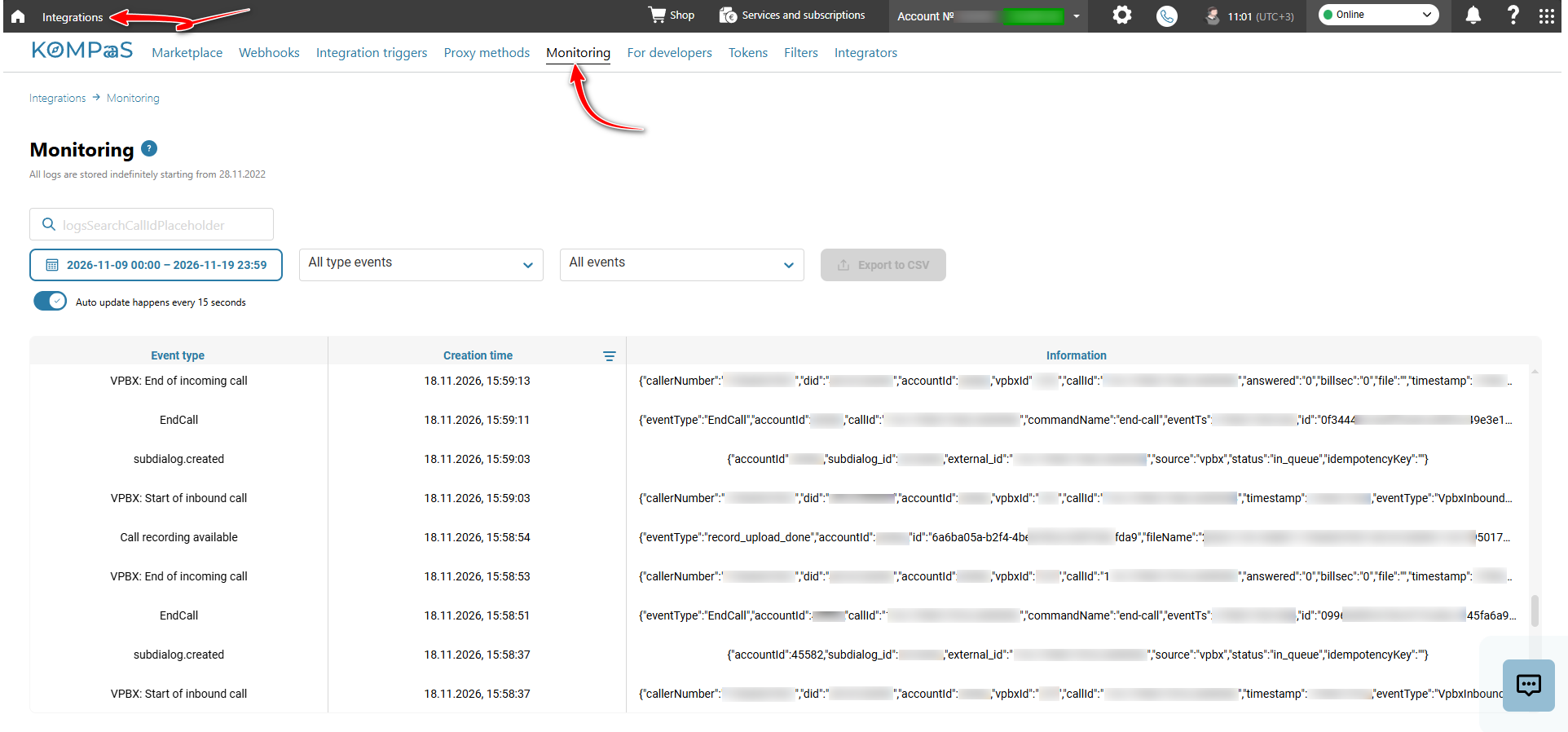
To send variables, create and configure the 'Sending variables from the VPBX scenario' webhook in 'Integrations' → 'Webhooks' tab. For more information about creating a webhook, see 'How to create a webhook'.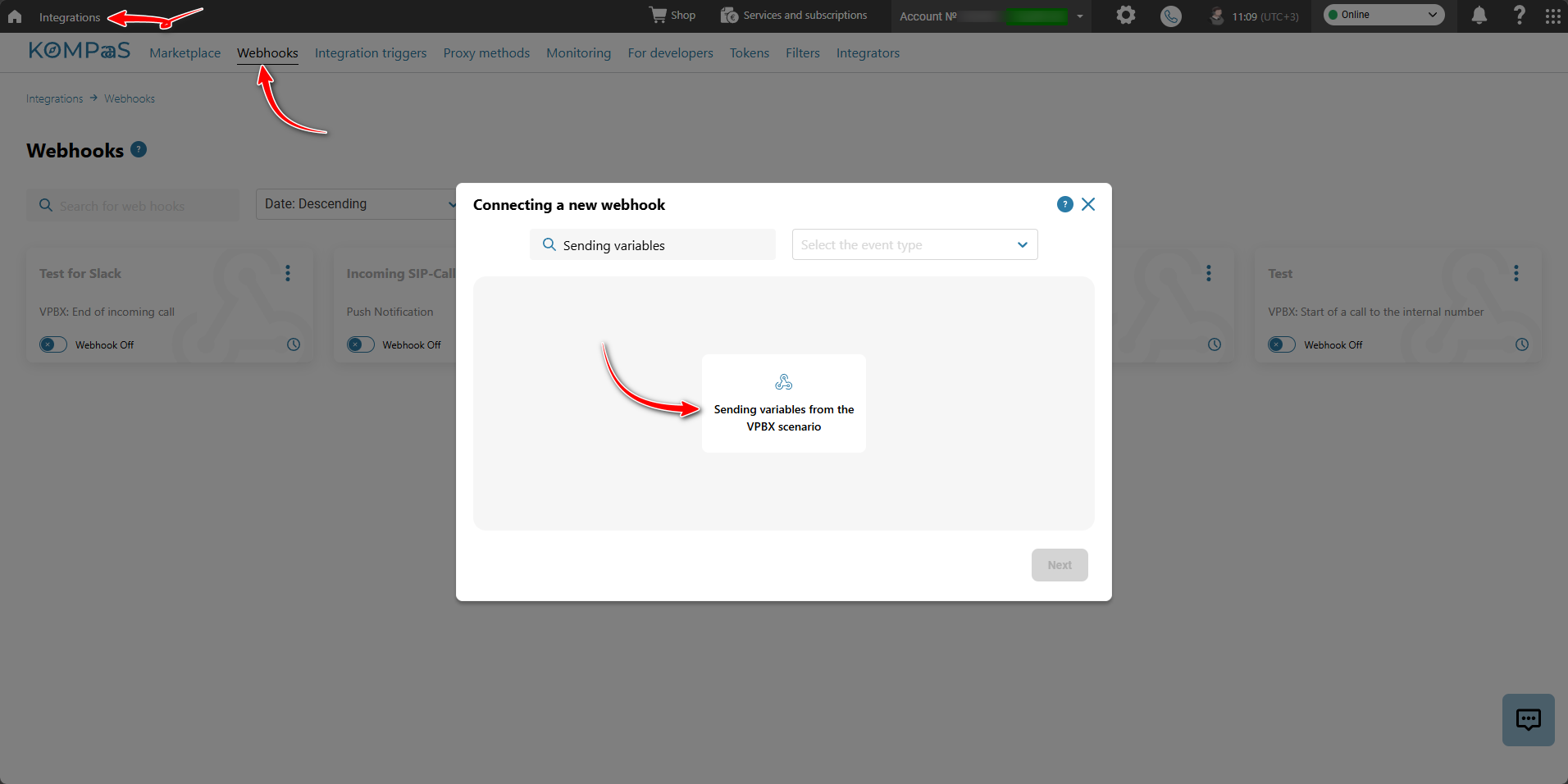
See also:
Was this article helpful?
That’s Great!
Thank you for your feedback
Sorry! We couldn't be helpful
Thank you for your feedback
Feedback sent
We appreciate your effort and will try to fix the article