To send to Slack, you need to:
1. Create a webhook;
2. Select the data type in the settings: Post and Json;
3. Disable all variables;
4. Add a "text" field with the message text as its value;
5. If you need to use event variables, insert them using ${{<variable name>}} in the text field value, as in the screenshot.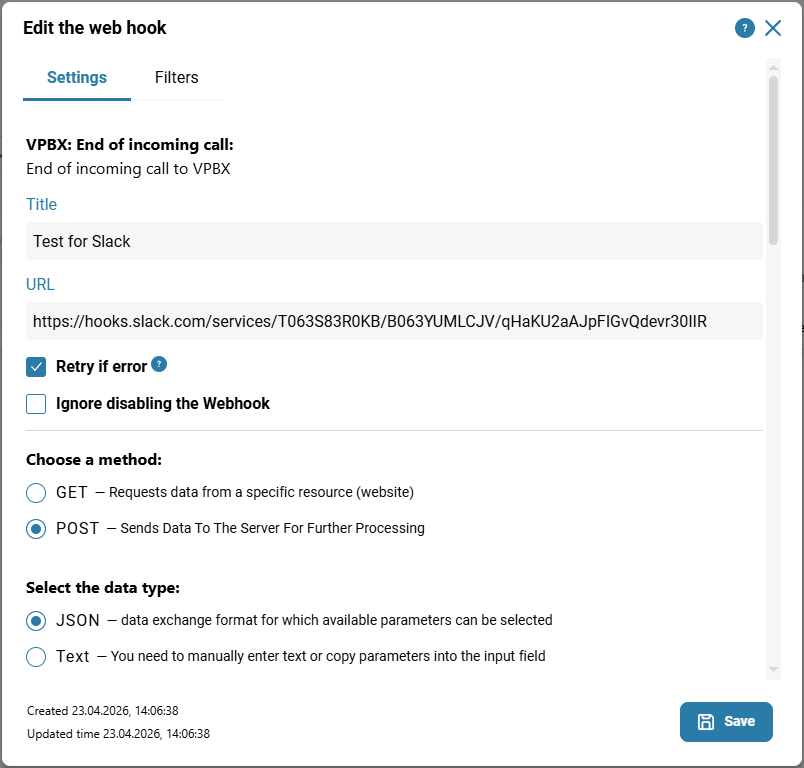
Also see:
Was this article helpful?
That’s Great!
Thank you for your feedback
Sorry! We couldn't be helpful
Thank you for your feedback
Feedback sent
We appreciate your effort and will try to fix the article